Made with Tagmiru
Make an equipment ledger you check by pointing your phone, with Tagmiru
Put small tags on your equipment, then walk around pointing your phone.
You'll see right away whether your ledger matches what's actually there.
· VirtualCross
What you can make
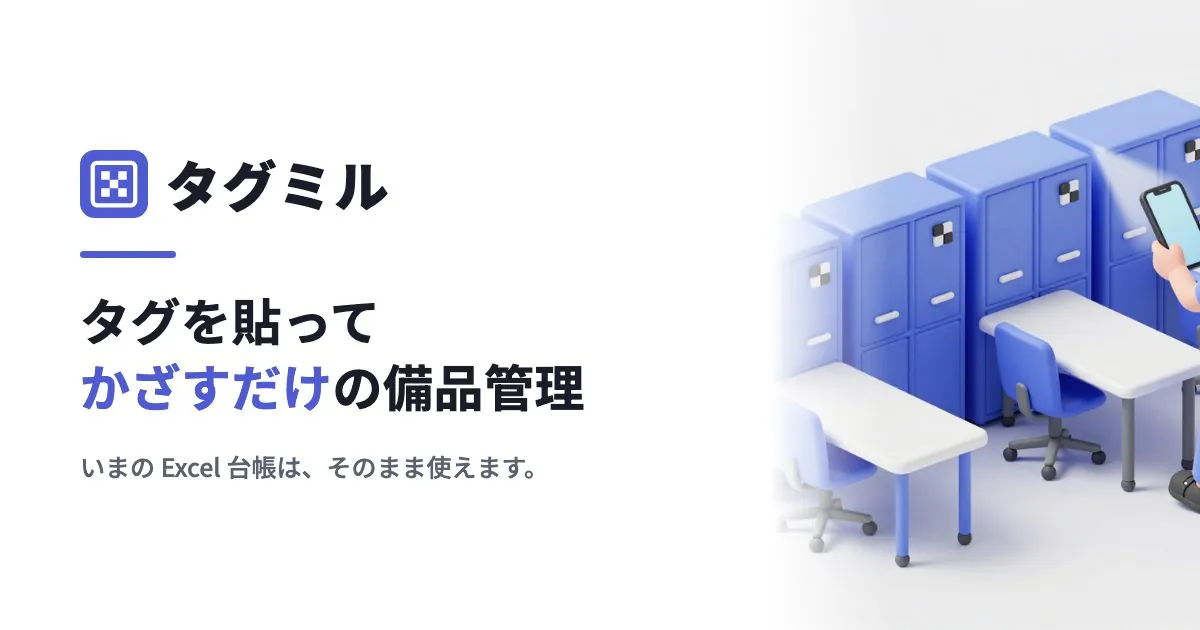
Tagmiru is a service for small and medium-sized businesses to manage their equipment and assets. The tags you put on equipment are AprilTags: black-and-white square markers that self-driving cars and drones read to work out where they are. Unlike QR codes, they can be read without stopping to aim, from an angle, and even with a shaky hand. A tag holds only a number; no price or user information is stored in it.
A ledger for computers and desks
A ledger that shows what's in each room, whenever you want to check.
The annual inventory check
Instead of reading out numbers one by one and checking them off, just walk around.
Frequent checks by department
Works for checking one department a month, too. Assets that haven't been checked in a while show up in a list.
One-time setup
Import your current Excel ledger
Load the file, then choose on screen which column is the asset number and which is the location. Column names can be anything. Rows with a quantity of 2 or more are registered as that many separate items.
Print the labels and attach them
Press the issue button to get a print-ready label sheet. Print it on A4 label paper with your own printer (A-one QR code label sheets 31553, 31554 or 31555) and attach the labels to your equipment. The standard label is 30 mm square and can be read from 60 cm to 1 m away.
Link them to the ledger
Point your phone at an attached tag and choose which item it is. If an asset sticker is already on the item, just put the tag next to it and point your phone: the sticker's number is read and automatically matched with the number in your Excel ledger.
Each inventory check
From the second time on, choose a scope such as "Head office, 3F only" and just walk around pointing the camera. It reads any number of tags at once, from a distance. If you stop partway, you can pick up where you left off.
When you finish, only the items that don't match the ledger are shown, sorted into four groups.
- Missing. Items that are in the ledger but weren't found. Shown with the date they were last checked and who was using them.
- Found somewhere else. A move that wasn't recorded. You can update the ledger for all of them at once.
- Tag not in the ledger. An item that was never registered. You can register it as an asset right there.
- Out of scope. Another department's assets that just got mixed in. Nothing to do.
You can use as many phones for scanning as you like, for free. There's no need to buy a dedicated scanner.
The phone reader app is getting ready for release in the app stores (as of October 2026).
Choosing a plan
Pricing depends only on the number of assets. You're not charged by the number of users or scans, and every plan includes every feature.
| Free | Standard | Business | |
|---|---|---|---|
| Monthly | ¥0 | ¥4,980 | ¥14,800 |
| Assets | 200 | 1,000 | 5,000 |
| Phones for scanning | Unlimited | Unlimited | Unlimited |
| CSV export | — | ○ | ○ |
Details as of October 2026. Annual billing gives you one month free. For more than 5,000 assets, contact Tagmiru. Check the Tagmiru website for current pricing.
Start with the Free plan and try it with up to 200 assets.
Start Tagmiru for free
No credit card required. Try importing your current Excel ledger.
Open tagmiru.comWant a management system built around how your business works?
We take on development that turns the ledgers and inspections you run in Excel into a phone and web system, using the same technology as Tagmiru.