Virtual Space Development
Open the URL,
and you're inside
No app to install.
We build original spaces that people can walk around in the browser on a phone or computer. Leave it to us, from planning through launch and operation.
One link, and anyone
can stand right there
No download, no sign-up. The experience starts the moment someone opens a QR code or a social media link.
Use it as a preview before a visit, a guide for people who live far away, or teaching material for the classroom.
Runs in the browser
Works in the browser on iPhone, Android and computers. Fewer people give up because of the hassle of installing an app.
Light enough for phones
Image quality adjusts automatically to the device. We slim down 3D models before putting them in, so you can walk around on a phone.
Tickets, sign-in and invites
Paid admission tickets, sign-in with Google or Apple, and invitations to walk the same space with friends. Pick the pieces you need.
Works
Spaces we've made
Listed left to right in the order we made them. All of them open in the browser.
Scroll or drag sideways
-
 01For tourist venuesCruise ship
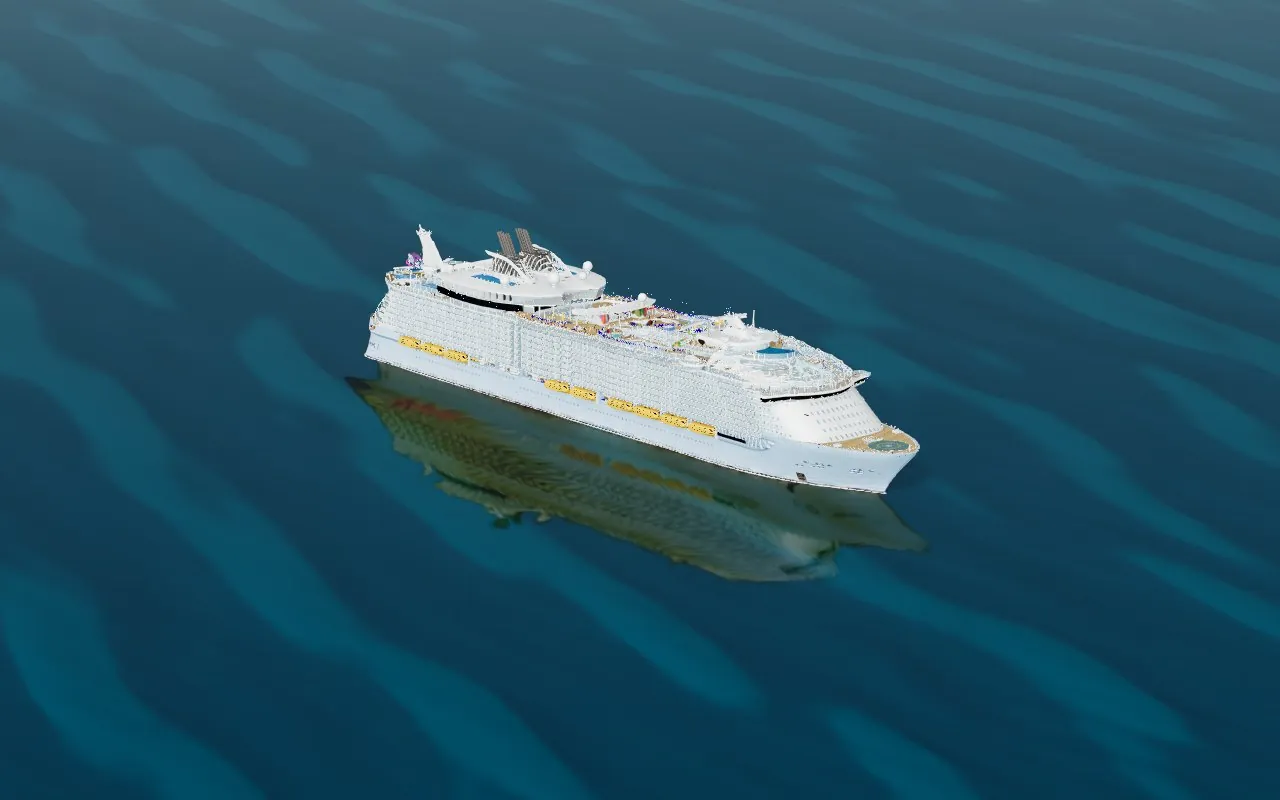
3D ship tour of a large cruise shipLook around the ship before you board. 16 highlights and the cabin types, in 3D.Live · v-cruise.virtual-cross.com
01For tourist venuesCruise ship
3D ship tour of a large cruise shipLook around the ship before you board. 16 highlights and the cabin types, in 3D.Live · v-cruise.virtual-cross.com
-
 02For education & historyJapanese history
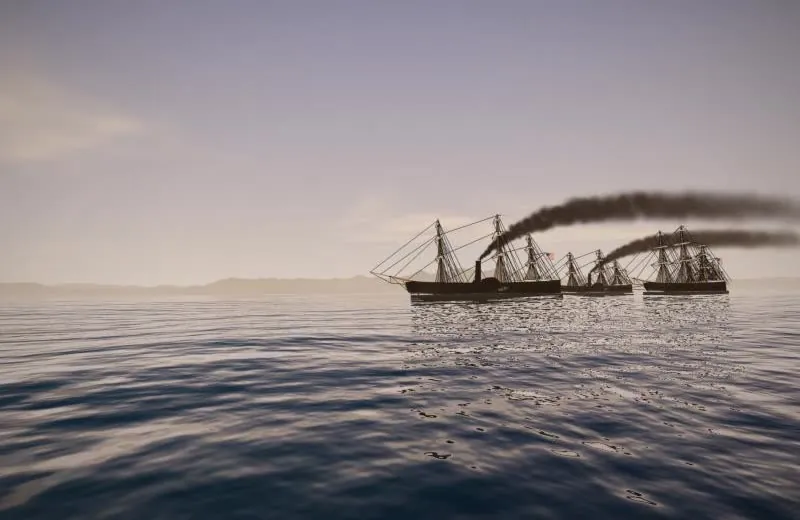
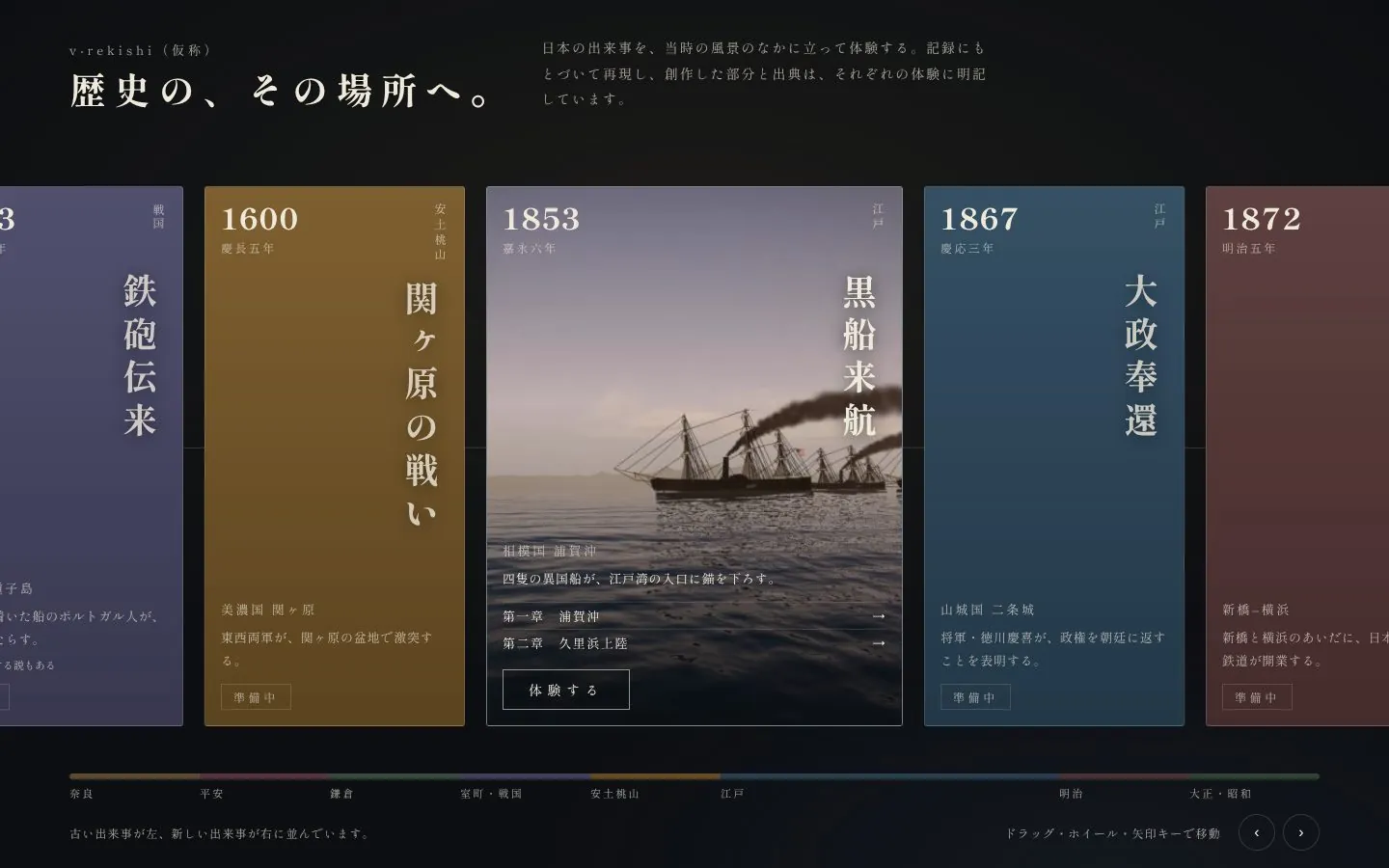
v-rekishi (working title)Stand where it happened. The first chapter is the arrival of the Black Ships in 1853 (Kaei 6).Partly live · v-rekishi.virtual-cross.com
02For education & historyJapanese history
v-rekishi (working title)Stand where it happened. The first chapter is the arrival of the Black Ships in 1853 (Kaei 6).Partly live · v-rekishi.virtual-cross.com
-
 03For aquariums & exhibitionsAquarium
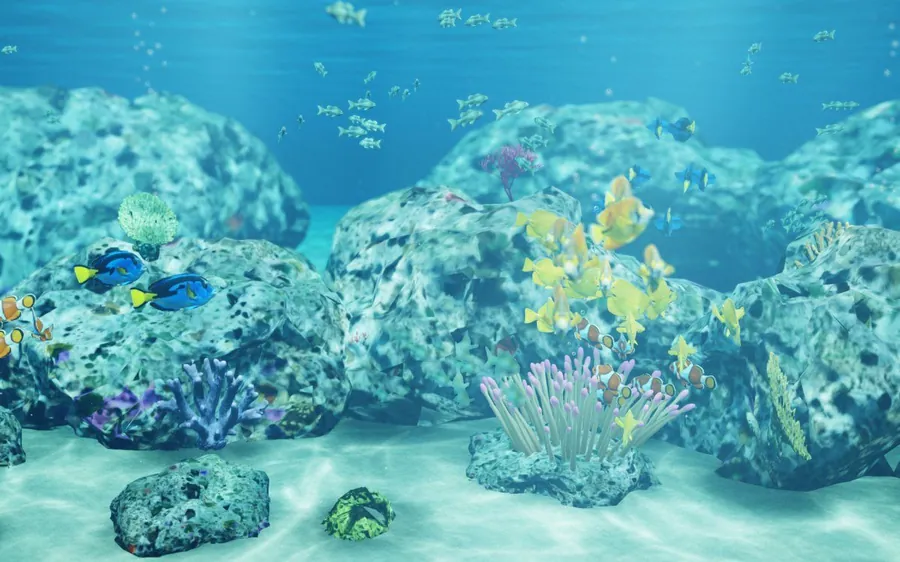
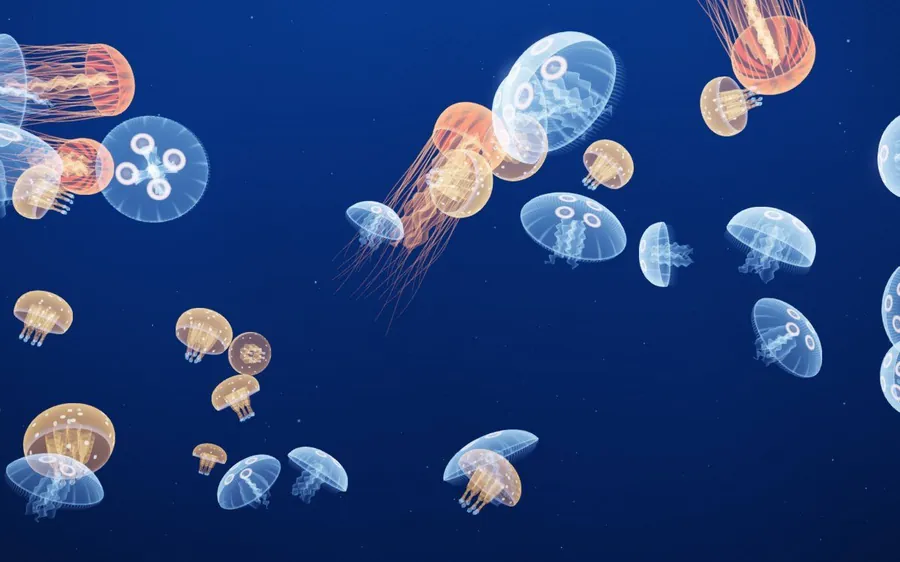
Virtual aquarium aquaNine tanks to stroll past with 11 penguin species. Ticketed entry, with up to 4 friends together.Live · v-aqua.com
03For aquariums & exhibitionsAquarium
Virtual aquarium aquaNine tanks to stroll past with 11 penguin species. Ticketed entry, with up to 4 friends together.Live · v-aqua.com
-
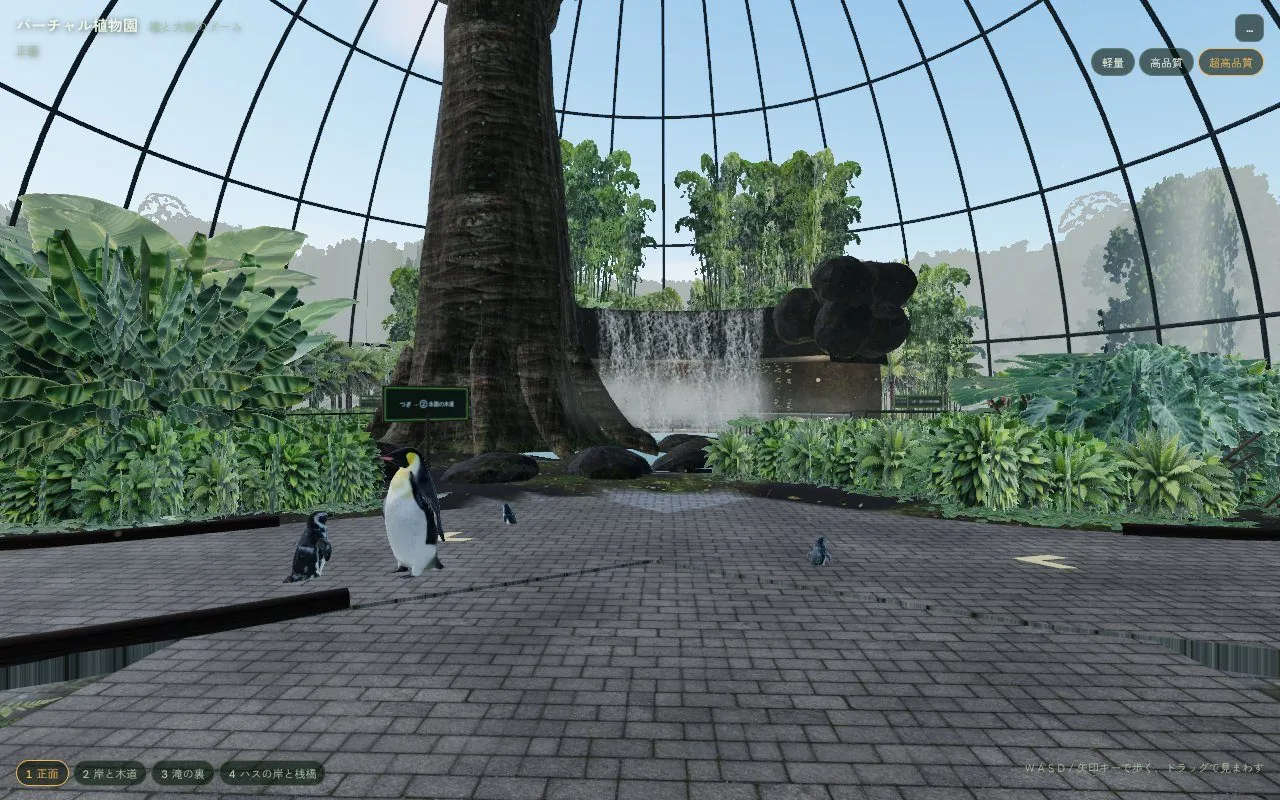 04For botanical gardens & parksBotanical garden
Virtual botanical gardenA glass dome where a great tree and a waterfall greet you. Each species has a sign and description.In progress · v-garden.virtual-cross.com
04For botanical gardens & parksBotanical garden
Virtual botanical gardenA glass dome where a great tree and a waterfall greet you. Each species has a sign and description.In progress · v-garden.virtual-cross.com
-
05
Next,
your venue Venues, ships, towns, exhibitions, stories.
We build original spaces Get in touch →
01 · Cruise ship tour
Walk through the ship
before you board
A ship tour that recreates an entire large cruise ship in 3DCG. Turn the ship to view it from any angle. Tap a number to see a description of that spot.
- 16 highlights, guided with numbers and info panels
- Floor plans for each cabin type, from above and at eye level inside
- Switch between day and night, and show or hide passengers
Good for
Cruise ships, hotels, theme parks, airports and exhibition halls. A guide for large venues whose layout is hard to picture.
Try it (v-cruise)
02 · Japanese history
Stand where
it happened
Choose an event from the timeline and the experience begins in the scenery of the time.
The first is the arrival of Commodore Perry's Black Ships in 1853 (Kaei 6). Two chapters are available: off Uraga, and the landing at Kurihama.
- A timeline home screen with events in chronological order
- Recreated from the historical record, with invented parts and sources noted for each experience
- About 4 minutes per chapter, with sound to enjoy on headphones
Good for
School lessons, museum and archive exhibitions, and local history learning or tourist information from local governments.
Try it (v-rekishi)
03 · Virtual aquarium
Stroll the aquarium
with penguins
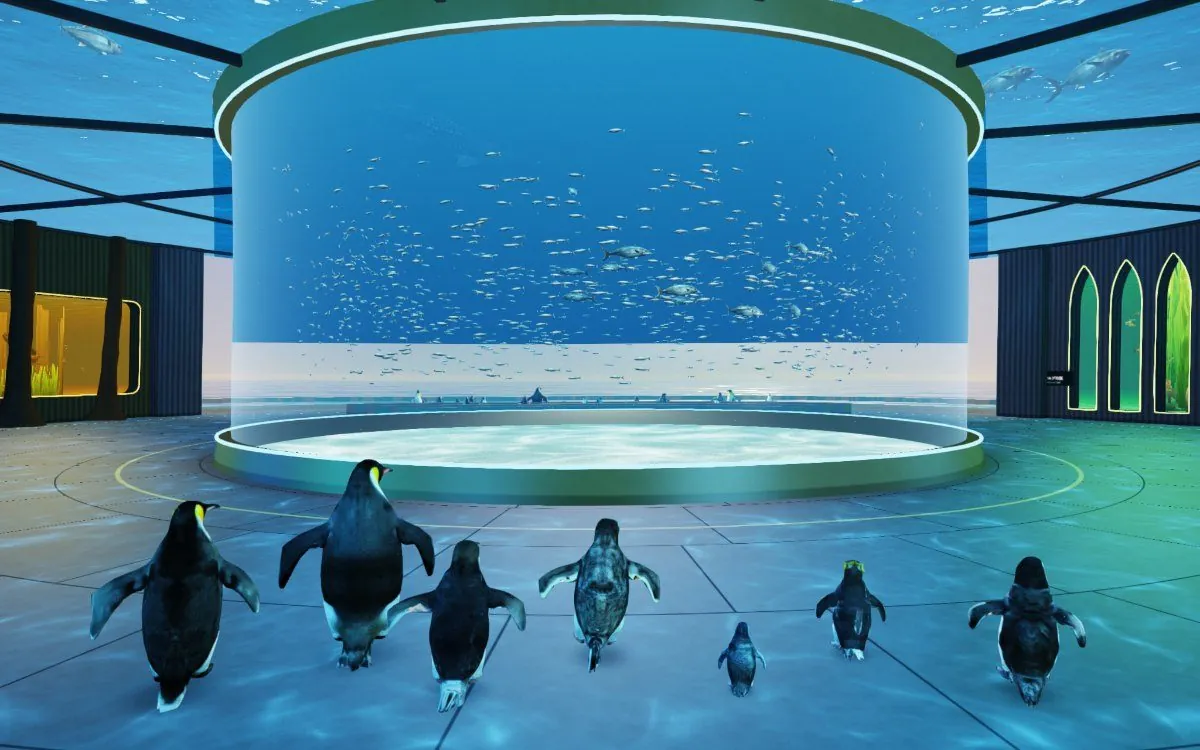
The round hall holds a large open-ocean tank and eight more tanks, with 11 penguin species roaming freely.
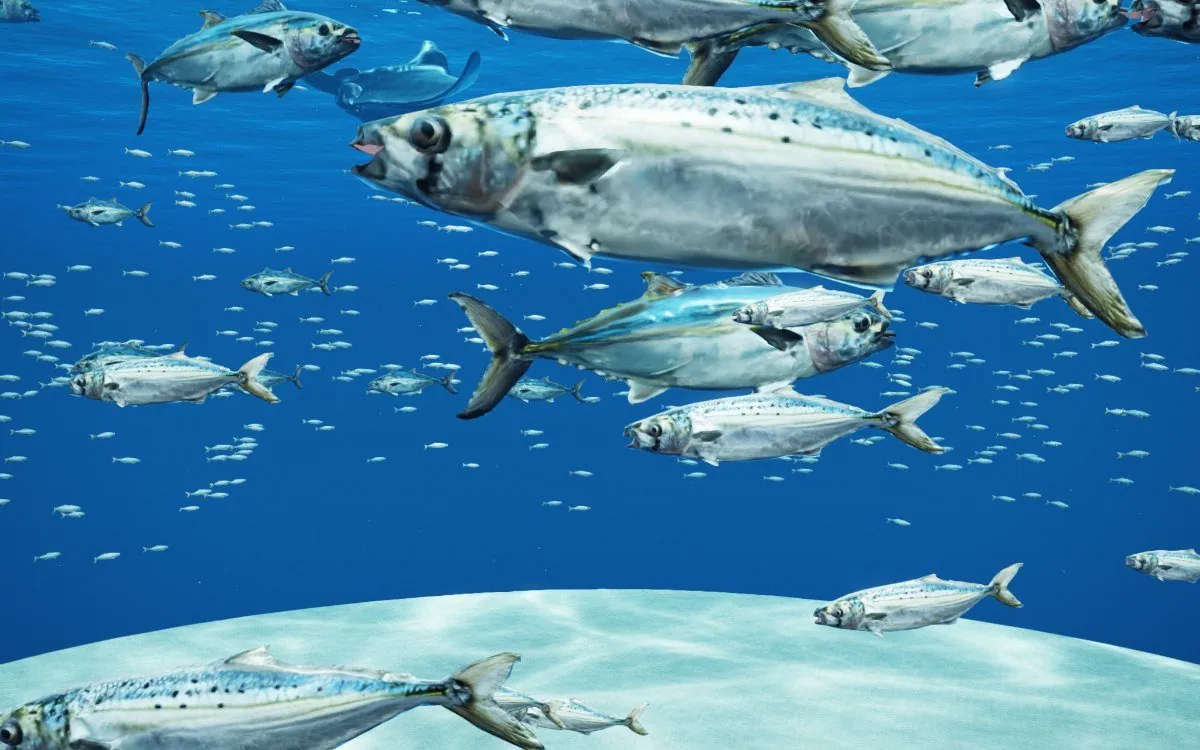
Touch a creature to see a description. You can even switch to a fish's-eye view.
- 9 tanks, 11 penguin species, feeding and a fish's-eye view
- Ticketed entry (Stripe on the web, store billing in the apps)
- Invite links let up to 4 friends share the same hall
- Available in Japanese and English
Good for
Online exhibitions for aquariums, zoos and science museums, and bringing in visitors after hours or in the off-season.
Try it (v-aqua.com)
04 · Virtual botanical garden
A glass dome where
a great tree and waterfall greet you
Straight ahead from the entrance you see the great tree and the waterfall. The route takes you along a waterside boardwalk, behind the waterfall, and past the lotus shore and its pier.
Plants are grouped by species, each with a sign giving its name and a description.
- A single route you can't get lost on, with "next" signs along the way
- Just walk with the stick and swipe to look around
- The same penguins as in the aquarium wander the garden
Good for
A guide for botanical gardens, formal gardens, parks and tourist venues with greenhouses.
See the work in progressWhat you can include
What you can include
Choose based on what you want to show and who you want to reach. You can launch small and add more later.
How we work
How we work
- 1
Discovery
We ask what you want to show, to whom, and in what situations. If you have photos or materials, we'll take them in.
- 2
Layout and design
We show you a layout of the space, the route and screen designs, and settle on the shape together.
- 3
A walkable prototype
Early on, we hand you a prototype you can walk around on your phone. Because changes come after you've tried it, there's less gap between the result and what you pictured.
- 4
Building it out
We add 3D models, descriptions, sound, payments and more, and finish it while checking speed on real devices.
- 5
Launch
We publish it on your own domain, with terms of use and privacy policy pages ready.
- 6
Operation and additions
Seasonal exhibits, new areas, more languages: the space can keep growing after launch.
FAQ
Do visitors need to install an app?
No. Opening the URL is enough; it runs in the browser on phones and computers. If you'd like, the same content can also be turned into an app for the stores (aqua is available both on the web and as an App Store app).
Will it run on older phones?
Image quality drops automatically to suit the device, so it can be walked on most devices. We decide the range of supported devices with you, based on how detailed the space is.
Can we publish it under our own venue name and domain?
Yes. The aquarium aqua is published on its own domain (v-aqua.com).
Can we charge admission?
Yes. We can build in ticket sales by card payment (Stripe) on the web, and through App Store and Google Play billing in apps.
Roughly how much does it cost, and how long does it take?
It varies widely with the size of the space, the number of 3D models and whether payments are needed. Tell us what you have in mind and we'll send you a quote.
Bring your venue to anyone
with a single link
"We'd like people to be able to walk around a place like this." That's all you need to start.
If you have photos or floor plans, we can make a more concrete proposal.